Introduction – Your Smartphone Is Already Powerful Enough
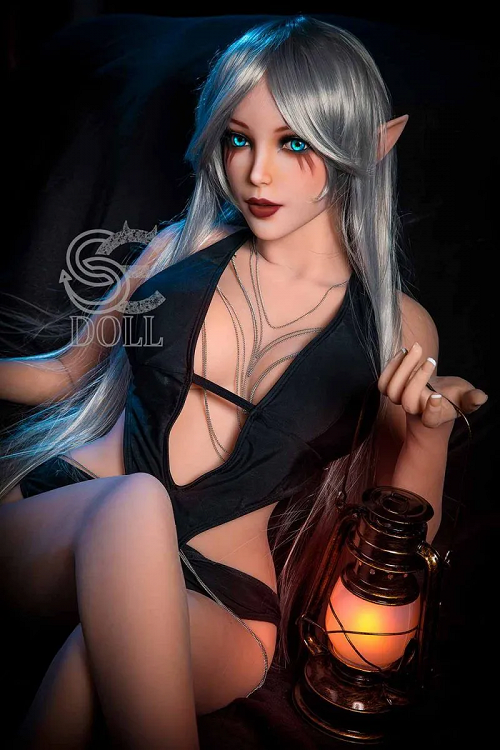
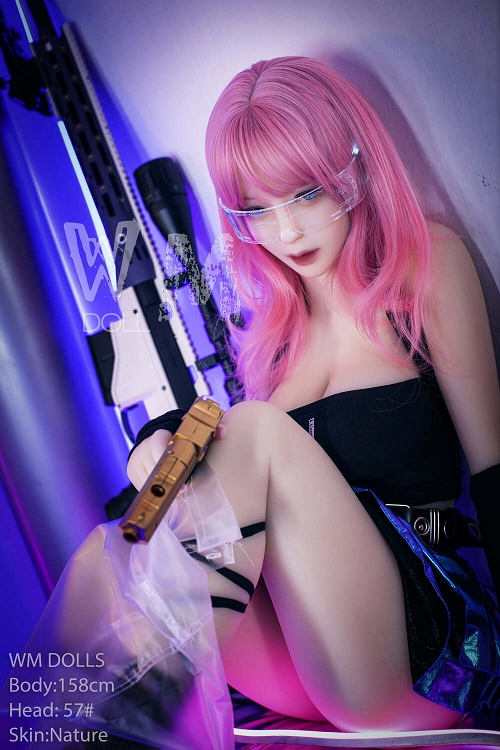
Photographing a sex doll beautifully doesn’t require a DSLR, studio lights or years of experience. In 2025–2026, modern smartphones (iPhone 14/15/16 series, Samsung S23/S24/S25, Google Pixel 8/9, etc.) combined with the right free or low-cost apps can produce stunning, natural-looking results that rival paid professional shoots. This guide recommends the best camera apps, editing tools and filter styles specifically for sex doll photography – focusing on realistic skin tones, soft lighting effects, accurate proportions and cinematic mood.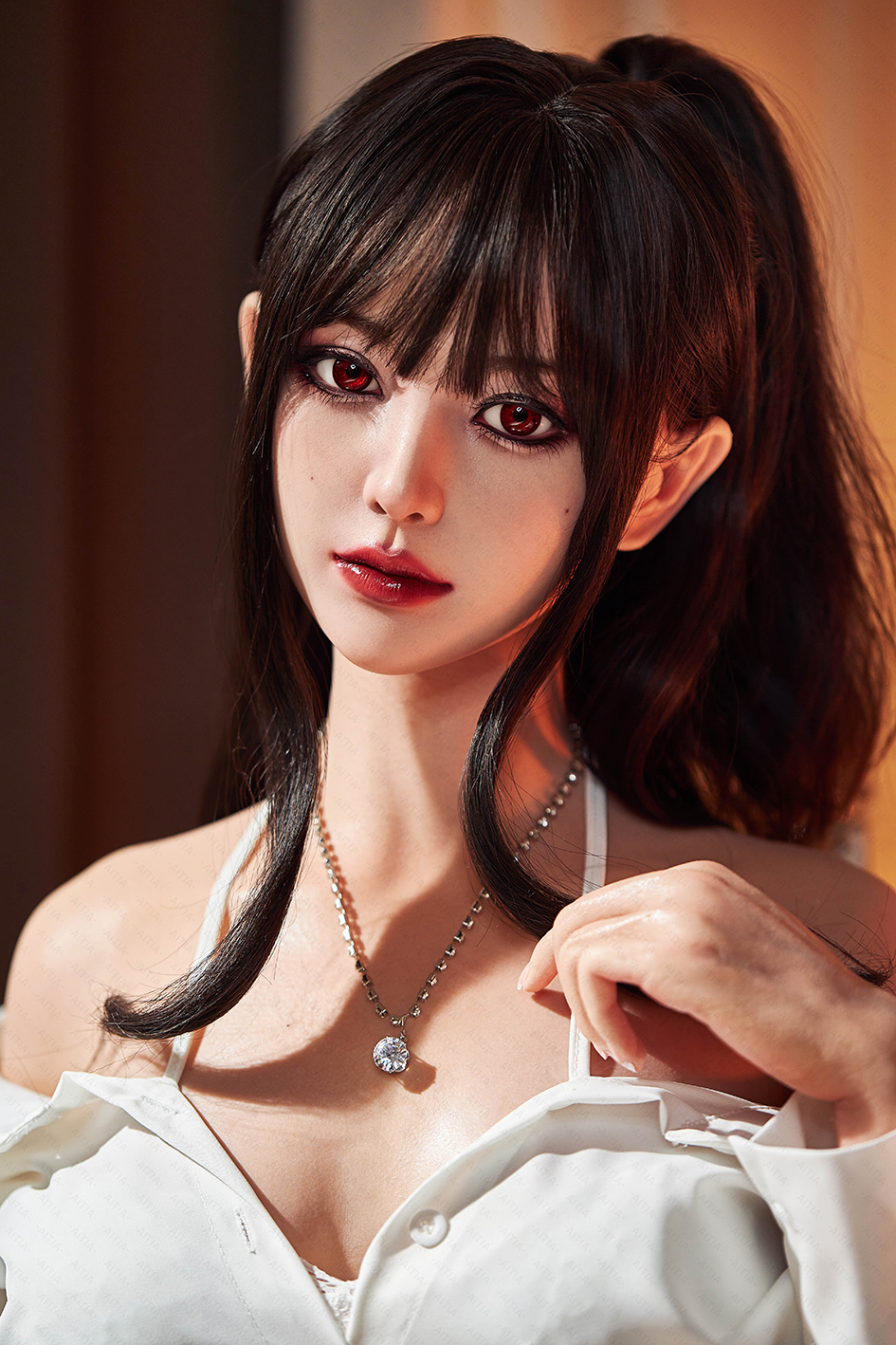
1. Best Camera Apps – Get Manual Control & Better Raw Quality
These apps give you full control over exposure, focus, white balance and RAW shooting – essential for lifelike skin and avoiding over-processed automatic shots.
Halide Mark II (iOS) – Top choice for iPhone users
Manual controls (ISO, shutter speed, focus peaking)
RAW + ProRAW support
Portrait mode with depth editing
Why for sex dolls: perfect skin tone accuracy and natural bokeh
ProCam 8 (iOS) / ProCam X / Open Camera (Android)
Full manual mode + histograms in real time
Supports external lenses (clip-on macro or wide)
Long exposure & light painting modes
Why for sex dolls: control over shadows/highlights on skin texture
Adobe Lightroom Mobile (free + premium)
Built-in pro camera with exposure lock, manual focus
Non-destructive RAW editing directly in-app
Why for sex dolls: best-in-class skin tone correction tools
Quick recommendationiPhone → Halide + Lightroom Android → ProCam X / Open Camera + Lightroom
2. Editing Apps – Natural Skin Retouch & Color Grading
These apps excel at subtle skin smoothing, pore preservation, realistic shadows and cinematic color looks without making the doll look plastic.
Adobe Lightroom Mobile (free core features)
Best skin tone correction (HSL + color mixer)
Texture & clarity sliders to enhance (not erase) pores/veins
Dehaze + selective masking for face/body
Presets: “Natural Portrait” or “Film Negative” for realistic looks
Snapseed (Google – completely free)
Portrait retouch tool – smooths skin while keeping texture
Selective adjustments (eyes, lips, cheeks)
Healing brush for tiny imperfections
Drama filter for soft cinematic mood
VSCO (free + paid filters)
Natural film-emulation presets (A6, HB1, M5)
Skin-friendly color grading
Grain & fade sliders for authentic analog look
TouchRetouch / Facetune (for targeted fixes)
Remove small background distractions
Subtle skin smoothing (use very low strength)
Teeth/lip enhancement (if needed)
Best workflow
Shoot RAW in Halide/ProCam
Import to Lightroom → correct exposure/white balance
Export to Snapseed/VSCO → final mood & skin touch-up
3. Recommended Filter Styles & Looks for Sex Dolls
Natural / Clean Portrait
Lightroom: increase texture +1 to +15, clarity +5 to +10
Snapseed: Portrait → low strength (20–35)
VSCO: A6 or HB2 at 4–6 strength
Cinematic / Moody
Warm shadows, teal highlights (teal & orange grade)
Add slight grain (Lightroom or VSCO)
Lower contrast, lift shadows – creates soft, intimate feeling
Golden Hour / Sunset Glow
Warm temperature (5800–6800 K)
Slight vignette + fade
Boost orange in HSL for skin tone
Black & White / Dramatic
High contrast B&W in Lightroom
Boost texture/clarity
Ideal for highlighting skin details and body curves
TipAvoid heavy beauty filters (big skin smoothing, big eyes) – they make the doll look like a plastic toy. Keep edits subtle.
4. Quick Smartphone Photography Tips Specifically for Sex Dolls
Use natural window light (diffused with white curtain) – best for skin realism
Shoot in RAW → gives you control over highlights/shadows on skin
Low angle (camera below waist) – elongates body, more flattering
Portrait mode (1–2 m distance) – natural background blur
Tripod or small stand – eliminates shake in low light
Clean lens every shot – tiny smudges ruin skin detail
5. Bonus: Free vs Paid – What’s Worth It?
Completely free combo
Open Camera / Google Camera + Snapseed + VSCO (free filters)
Worth paying for (one-time or subscription)
Halide (~$12 one-time) – best manual camera
Lightroom (~$5/month) – unmatched skin & color tools
VSCO paid filters (~$30/year) – cinematic looks
Conclusion
You don’t need a professional camera to create stunning, realistic photos of your sex doll – a modern smartphone + the right apps (Halide/ProCam for shooting, Lightroom/Snapseed/VSCO for editing) deliver professional-level results with minimal effort.
Focus on natural light, subtle retouching and cinematic filters – keep skin texture visible and edits gentle. The difference between “catalog” shots and “artistic” ones is usually just a few app adjustments.
Start with Lightroom Mobile (free) and natural window light – you’ll see dramatic improvement immediately.
Which app or filter style are you most excited to try first on your doll photos?